


Gym Software and Tech Stack: What You Actually Need to Run a Gym
A gym's core tech stack needs to do five jobs: take payment by direct debit, run class bookings, give members an app to check in and book from, control who can access the building and when, and report on whether all of that is working. Most Australian gyms spend $300 to $800 a month combined across these tools. Some, like VERVE Pulse, bundle billing, bookings, the member app and access reporting into one product from $199 plus GST a month, worth comparing before you stitch four separate tools together.
The Five Jobs Your Gym Software Has to Do
Strip away the feature lists and every gym tech stack, whatever brand names sit on top of it, exists to do five jobs. Get these five right and everything else, reporting dashboards, integrations, mobile polish, is a nice-to-have on top. Most new gym owners over-index on the software that looks impressive in a sales demo and under-index on the boring plumbing underneath it: whether a failed direct debit actually gets chased automatically, or whether a cancelled membership actually cuts off building access the same day. The boring plumbing is what saves your team hours every single week once you are open.
- Billing and direct debit: recurring membership payments, automatic retries on a failed payment, and a way to pause, freeze or cancel without you manually processing refunds every week.
- Class bookings: a timetable members can see and book into from their phone, with waitlists and capacity limits so a popular 6am class does not overfill.
- Member app or portal: check-in, class booking, membership details and communication in one place a member actually opens, not a login they forget within a month.
- Access control: who can open the door and when, tied to membership status so a lapsed payment locks someone out automatically rather than you chasing it by hand.
- Communications and reporting: automated reminders, win-back messages for members who have stopped showing up, and a dashboard that tells you churn, visit frequency and revenue without a spreadsheet.
What It Typically Costs
| Category | Typical monthly cost | Notes |
|---|---|---|
| Billing and membership management | $100 to $300 | Often scales with member count |
| Class booking software, if separate | $50 to $150 | Sometimes bundled into billing platforms |
| Access control software | $50 to $200 | Plus one-off door hardware cost |
| Communications and marketing add-ons | $50 to $150 | Automated reminders, win-back flows |
| Combined typical total | $300 to $800 | Moves with member numbers and number of tools |
The range moves with member numbers, most platforms charge per member or per door above a base fee, and with how many separate tools you are running. Every extra system you bolt on is another monthly fee, another login, and another integration that can quietly break. The biggest cost saving most new gym owners miss is not negotiating a cheaper price on any single tool, it is picking fewer tools that each do more.
One Platform vs Several: The Real Trade-Off
Stitching together a best-of-breed stack, one tool for billing, another for bookings, a third for access control, can look cheaper line item by line item, but the real cost shows up in the gaps: a member cancels in the billing system but their access card still works for another week, or a booking cancellation does not sync back to the app and the class shows full when it is not. Every integration is a place data can go stale.
A single platform that covers billing, bookings, the member app and access reporting in one login trades a bit of feature depth in any one area for consistency: one source of truth for who is a current member, one place your team checks each morning, one bill to reconcile. For most independent gyms and small chains, that trade-off favours the single platform, especially in year one when your team is small and nobody has time to babysit four dashboards.
Common Mistakes When Choosing Gym Software
The most common mistake is picking software on sign-up price alone and only discovering the real monthly cost once member numbers grow and per-member fees kick in. Read the pricing tiers properly before you commit, and ask directly what the cost looks like at 150 members and at 400 members, not just at your opening-day number. The second common mistake is choosing a platform with no direct access control integration and assuming you will sort that out later: later usually means a manual, error-prone process where someone on your team cross-checks membership status against a separate access list every week, exactly the admin burden good software is supposed to remove. The third is skipping the trial or demo stage and committing on a sales call alone: ask to see the member-facing app and the admin dashboard yourself before you sign anything longer than a month-to-month term, and ask an existing customer, not just the salesperson, how support actually responds when something breaks on a Saturday morning.
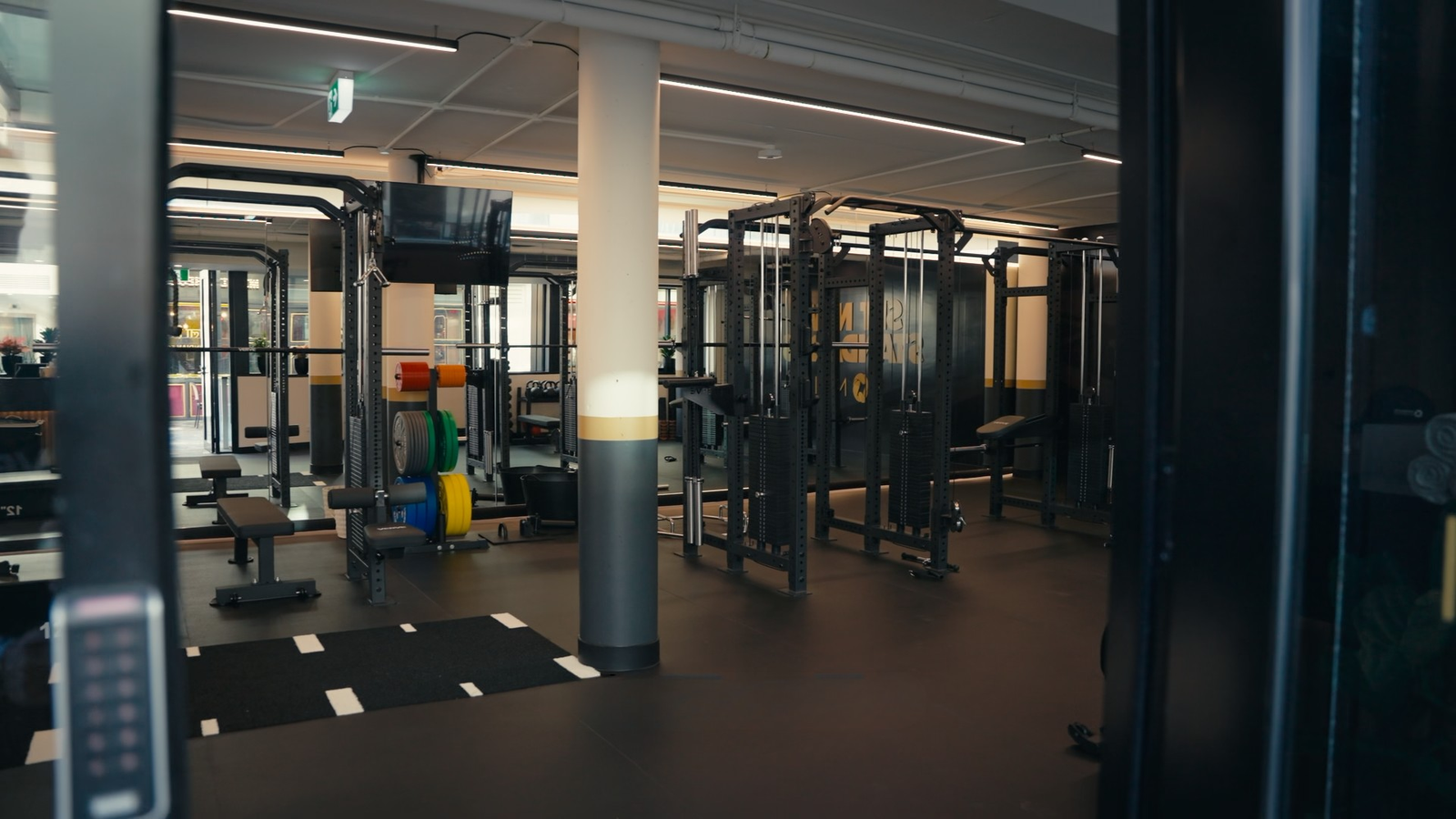
Get the Software Question Sorted Before You Sign a Lease
Send us your floor plan and equipment list and we will build your full fit-out picture, access points and all, so your tech stack decisions line up with your actual space.
Request Your Free DesignWhat to Look for When You Compare Platforms
- Does it handle direct debit natively, or do you need a separate payment gateway bolted on.
- Can members freeze, cancel or update their own payment details without you doing it manually.
- Does access control integrate directly, or is it a separate system you have to reconcile by hand.
- Can you see churn and visit frequency in a dashboard without exporting to a spreadsheet.
- What happens when a payment fails: does it retry automatically and notify the member, or does it land on your desk.
- Is there a mobile app members will actually use, not just a mobile-friendly website.
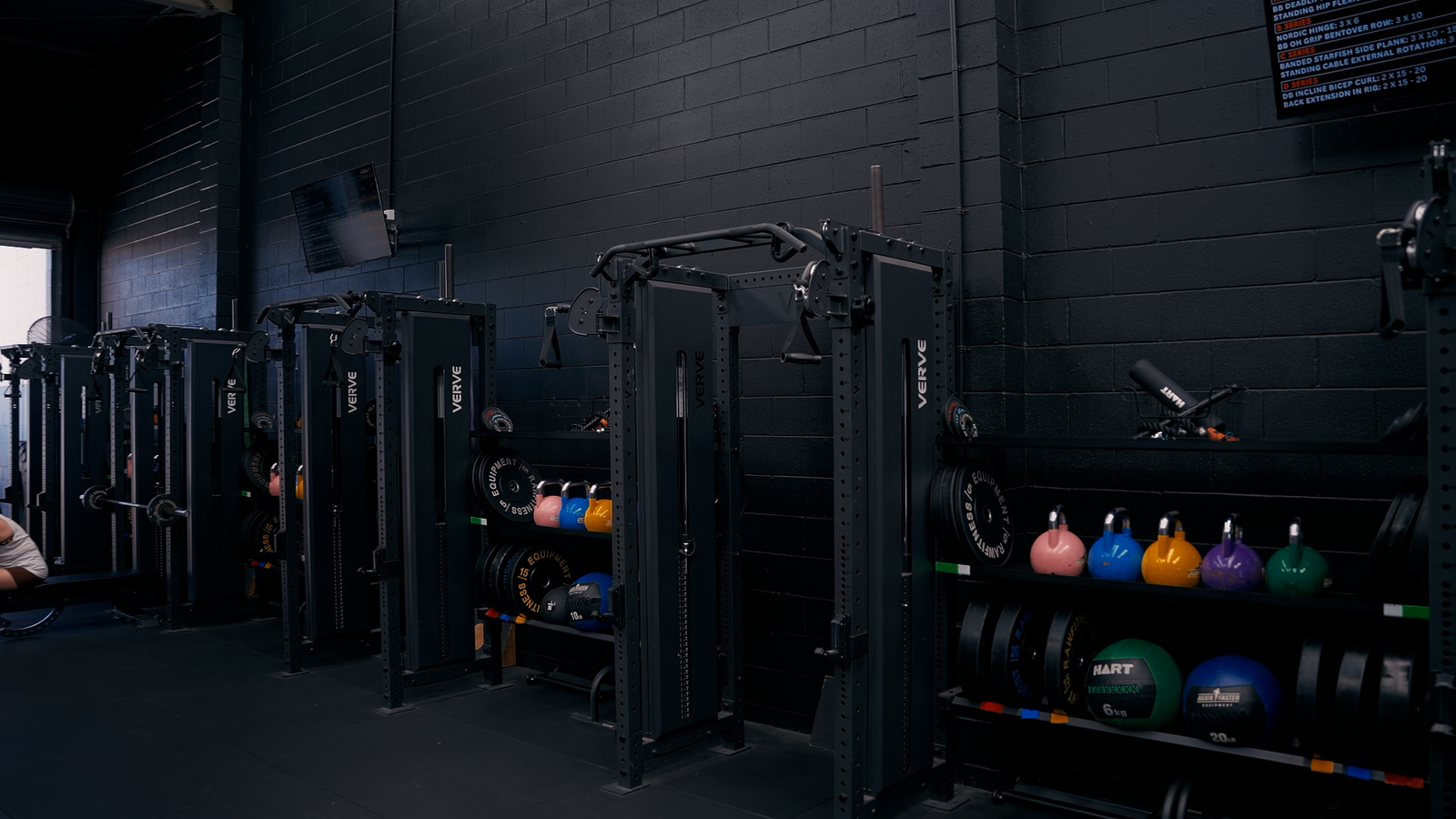
Where VERVE Pulse Fits
VERVE PULSE is gym management software built specifically for Australian gyms, from $199 plus GST a month. It bundles billing and direct debit, class bookings, a member app, access control integration and reporting into one platform rather than four separate logins. It is one option among several worth comparing, and the honest reason to look at it closely is the setup and integration time you save when everything already talks to everything else, rather than the time you spend gluing point solutions together yourself. You can review the current plans and features at vervepulse.io.
Migrating Without Losing a Payment Cycle
If you are switching software in an existing gym rather than choosing for a new one, do not switch mid billing cycle. Export your member data, payment history and any outstanding balances before you cancel the old platform, and run the new system in parallel for at least one full billing cycle so you can catch mismatches before members notice them. Tell members ahead of time if their access card, app login or payment details are changing: a surprise "your card no longer works" moment at the door is one of the fastest ways to generate a wave of cancellation calls in a single week.
Build a short migration checklist rather than relying on memory: confirm every active member's payment method has been carried across correctly, test the access control handoff on a handful of real cards before the whole membership base relies on it, and keep the old platform accessible in read-only mode for at least a month in case you need to check historical records. A migration that takes an extra week of careful checking is far cheaper than a week of members unable to open the door or getting double-charged.
See Your Access Points on the Plan
Access control, reception and member app kiosks all need to sit somewhere sensible on your floor. Get a free 3D design with renders back within a week.
Request Your Free DesignFrequently asked questions
What software does a gym actually need to run day to day?
At minimum, billing and direct debit, class bookings, a member app, access control tied to membership status, and reporting on churn and visit frequency. Everything else is optional polish on top of those five jobs.
How much does gym software typically cost?
Most Australian gyms spend $300 to $800 a month combined across their billing, booking, access control and communications tools. The exact figure moves with member numbers and how many separate platforms you run.
Is it better to use one platform or several separate tools?
For most independent gyms, one platform that covers billing, bookings, the member app and access reporting reduces the gaps where data goes stale between systems, and cuts down the number of logins your team has to manage.
What is VERVE Pulse and how much does it cost?
VERVE PULSE is gym management software built for Australian gyms, covering billing, direct debit, class bookings, the member app and access control reporting from $199 plus GST a month. Details and current plans are at vervepulse.io.
How do I switch gym software without disrupting members?
Do not switch mid billing cycle. Export your existing member and payment data first, run the new platform in parallel for a full billing cycle, and tell members in advance if their access card or app login is changing.
Does gym software need to integrate with access control hardware?
It should. Access tied directly to membership status means a lapsed payment locks a member out automatically, rather than your team manually tracking who still owes money and who still has door access.
Can gym software actually reduce staffing costs?
It reduces the manual admin load, chasing failed payments, manually updating access lists, building reports by hand, which is real time saved, though it does not replace coaching or reception staff. See our gym staffing guide for how software fits into overall wage planning.
More guides for gym founders
- How to Open a Gym in Australia
- Gym Business Plan: Pricing, Break-Even and Cash Flow
- How to Open a 24/7 Gym in Australia
- 24/7 Gym Compliance and Security in Australia
- Gym Staffing in Australia
- Gym Member Retention: The First 90 Days
Frequently asked questions
What software does a gym actually need to run day to day?
At minimum, billing and direct debit, class bookings, a member app, access control tied to membership status, and reporting on churn and visit frequency. Everything else is optional polish on top of those five jobs.
How much does gym software typically cost?
Most Australian gyms spend $300 to $800 a month combined across their billing, booking, access control and communications tools. The exact figure moves with member numbers and how many separate platforms you run.
Is it better to use one platform or several separate tools?
For most independent gyms, one platform that covers billing, bookings, the member app and access reporting reduces the gaps where data goes stale between systems, and cuts down the number of logins your team has to manage.
What is VERVE Pulse and how much does it cost?
VERVE PULSE is gym management software built for Australian gyms, covering billing, direct debit, class bookings, the member app and access control reporting from $199 plus GST a month. Details and current plans are at vervepulse.io.
How do I switch gym software without disrupting members?
Do not switch mid billing cycle. Export your existing member and payment data first, run the new platform in parallel for a full billing cycle, and tell members in advance if their access card or app login is changing.
Does gym software need to integrate with access control hardware?
It should. Access tied directly to membership status means a lapsed payment locks a member out automatically, rather than your team manually tracking who still owes money and who still has door access.
Can gym software actually reduce staffing costs?
It reduces the manual admin load, chasing failed payments, manually updating access lists, building reports by hand, which is real time saved, though it does not replace coaching or reception staff. See our gym staffing guide for how software fits into overall wage planning.
Your next steps
Work out what your space and your training actually need, then confirm stock and lead time before you commit. If you want a second opinion on the list, send it to VERVE.
Talk to us about your fitout